Raw footage in. Post-ready clips out.

YouClip is a desktop app for Mac and Windows that turns long videos and streams into short-form clips — auto-cut, karaoke captions that light up word by word, and dubbing in 13 languages. No timeline.

Desktop app for macOS (Apple Silicon) · 25 free tokens when you sign up

Also available: macOS (Intel) · Windows

stream-vod.mp43:24:10Clips640
make it pop
0:160:42
Clips found

Three steps, one render

1

Drop your video

Drag any footage in — interviews, podcasts, streams, gameplay, vlogs.

2

Style your captions

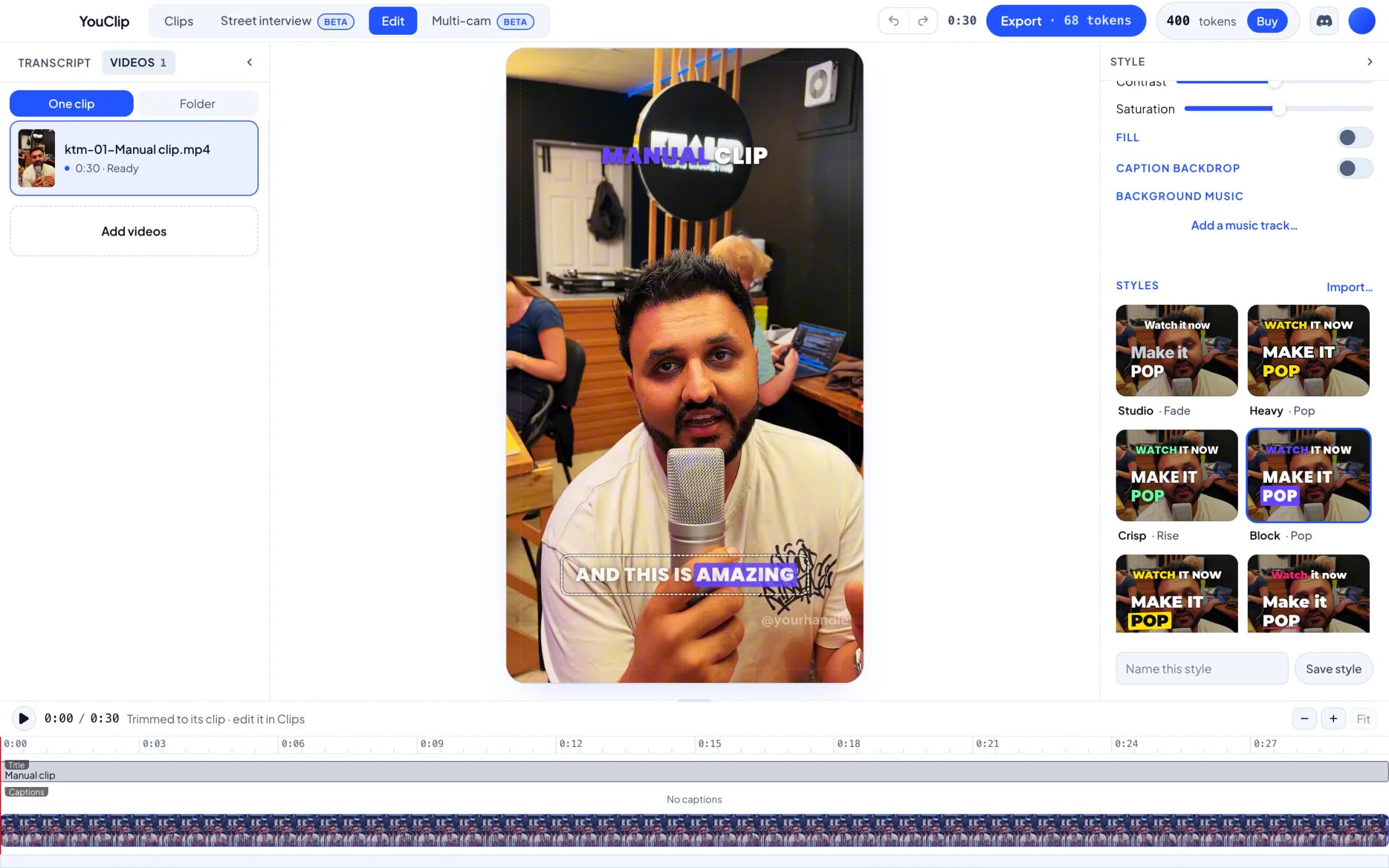
Font, highlight colour, size, position. Watch it update live.

3

Export & post

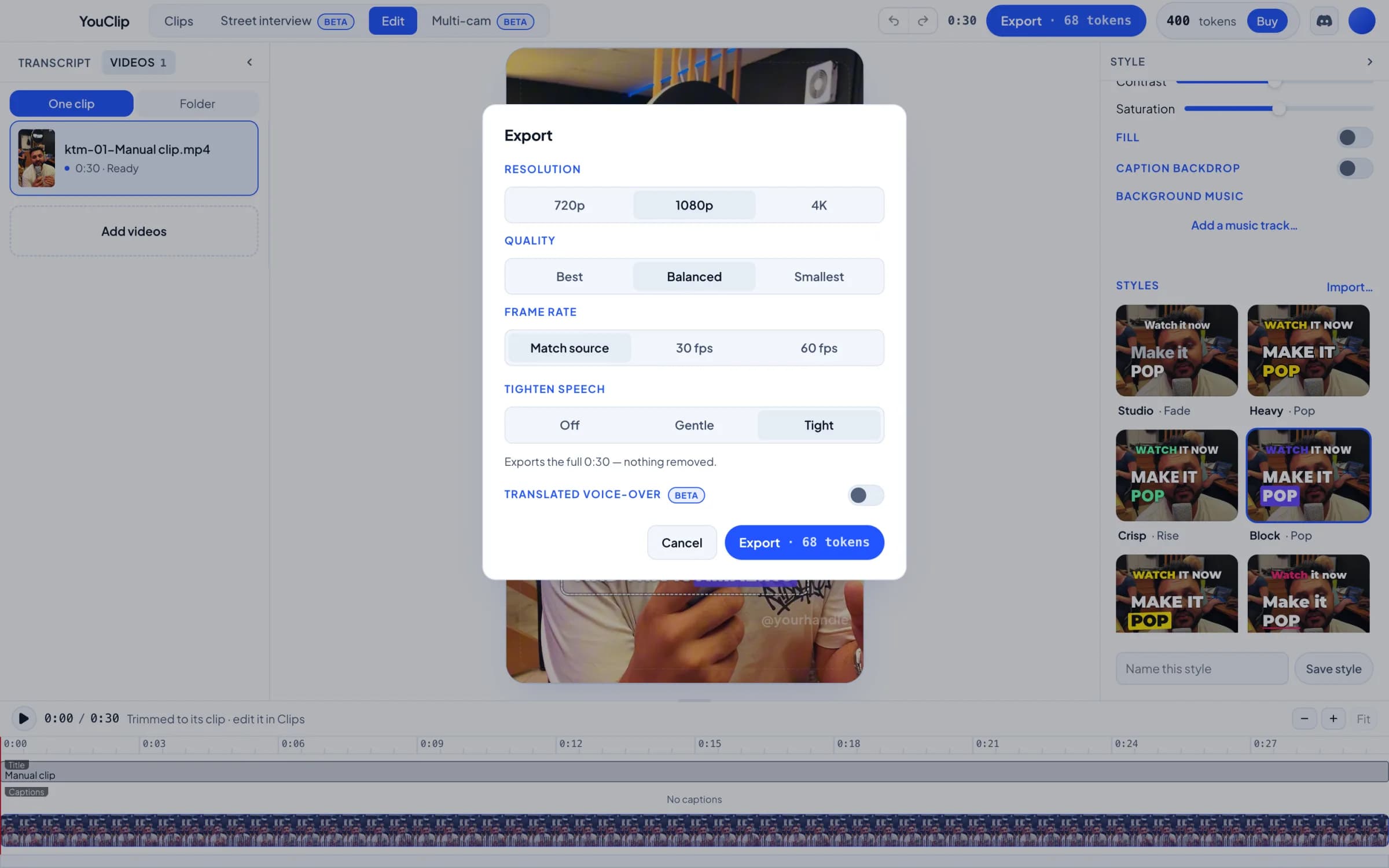
Render at 1080×1920 and post straight to TikTok, Reels or Shorts.

Everything a clip needs

Karaoke captions that pop

Every word lights up as it's spoken. Pick the font, colour, size and position — or let the defaults carry you.

every word lights up

Long-form → clips

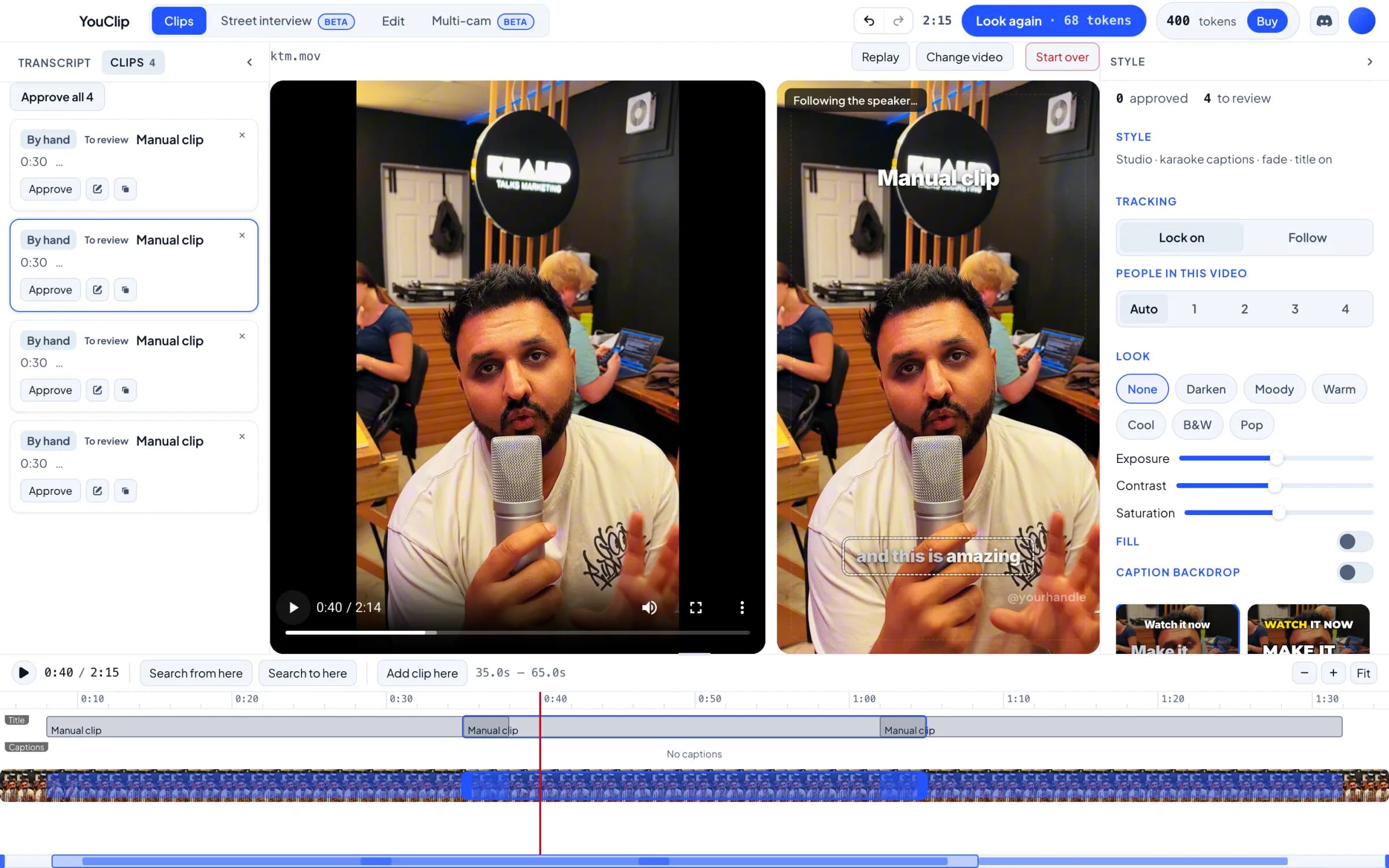
Drop a podcast, stream or webinar. YouClip finds the moments worth posting and cuts each into its own short.

Auto-cut

Drop in raw footage and get a tight, post-ready edit without touching a timeline.

Title modes

Write your own hook verbatim, or let AI pitch one at the intensity you choose.

Background music

Drop in your own track, or a whole folder — mixed under the audio, a different one per clip in bulk.

Dub it in 13 languages · Beta

Translate the voiceover and captions into 13 languages, up to six in one render. Beta — quality's improving fast.

Your watermark

Brand every clip with your own mark, scaled and placed how you want it.

Bulk queue

Line up a folder of clips and render them all while you do something else.

Built for vertical

Everything exports at 1080×1920 — ready for TikTok, Reels and Shorts the second it renders.

Built to ship at volume

Podcasters & streamers

Turn one long recording into a week of shorts — YouClip ranks the moments and cuts each on its own.

Agencies & teams

Queue a whole folder and render unattended. Consistent captions, music and watermark across every client clip.

Cheaper the longer you go

Long-form clip detection bills at just 2 tokens a minute — the more you repurpose, the less each short costs.

Simple monthly plans. Tokens roll over.

Creator
£15/month

1 two-hour recording clipped a month

250 tokens a month
  • 125 minutes of long-form clip detection
  • 50 minutes of edited video
  • Unused tokens roll over and never expire
Most popular
Studio
£39/month

3 two-hour recordings clipped a month

750 tokens a month
  • 375 minutes of long-form clip detection
  • 150 minutes of edited video
  • Unused tokens roll over and never expire
Agency
£99/month

9 two-hour recordings clipped a month

2250 tokens a month
  • 1125 minutes of long-form clip detection
  • 450 minutes of edited video
  • Unused tokens roll over and never expire

Tokens are held when a render starts and returned if it doesn’t finish — you only pay for clips you get.

Monthly subscription, cancel any time. Prices in GBP.

2 tokens a minute to find clips in a long recording, 5 a minute to edit one.

Not ready for a plan?

Top up once — 100 tokens for £10, no subscription.

See full pricing

Questions, answered

What is YouClip?

YouClip is a desktop app for macOS and Windows that turns raw footage into short-form vertical video with karaoke captions. It transcribes your clip, trims it to the part worth posting, and burns in word-synced captions, then exports at 1080x1920 for TikTok, Reels and Shorts. It can also find the best moments in a long stream or podcast and cut each into its own short, add background music, and dub the voiceover and captions into 13 languages (beta).

Is this a subscription?

Yes — simple monthly plans (Creator, Studio, Agency) that top up your tokens each month. Unused tokens roll over and never expire, and you can buy one-off top-ups any time.

What's a token worth?

Tokens buy render minutes at a flat rate: 2 tokens a minute to find the moments in a long recording, 5 a minute to edit one clip, and 5 more a minute for each language you dub into. Minutes round up, and you always see the exact price before you render.

What if a render fails?

Tokens are held when a render starts and returned automatically if it doesn't finish. You only pay for clips you actually get.

Which platforms is the app on?

It's a desktop app for macOS and Windows. Sign in with the account you make here and your tokens are ready straight away.

Can I change my email or password?

Yes. Both live in Account settings in your dashboard, and you can change them any time.

Do I need to pay to try it?

No. New accounts come with free tokens, enough to make a few clips before you buy anything.

Your next clip is one drop away

Desktop app for macOS (Apple Silicon) · 25 free tokens when you sign up